How to Get More Google Reviews (Without Breaking Google's Rules)
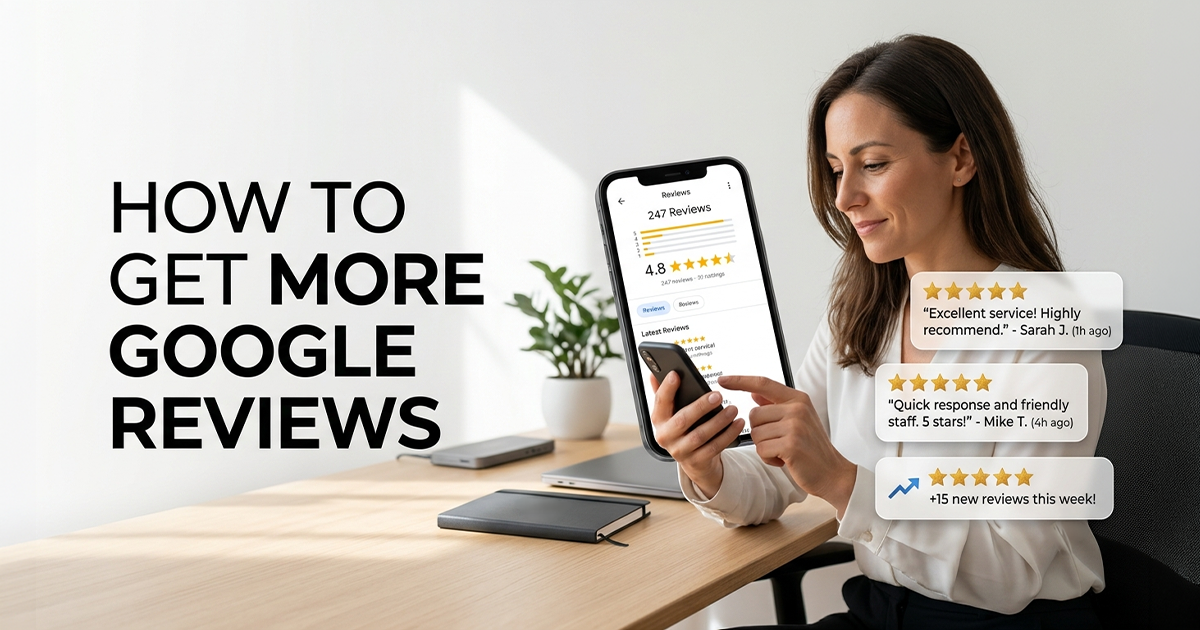
When someone searches for a restaurant, clinic, or jewellery shop on Google, they rarely stop at the name. They look at the stars, scroll through a few reviews, and check whether the owner replied. A business with recent, honest reviews feels easier to trust than one with a handful from two years ago.
Most owners know this. The harder part is getting reviews consistently without crossing a line that gets them removed. This guide covers a simple process you can set up in an afternoon: where to find your review link, how to ask, what not to do, and how to reply once reviews start arriving.
If your business profile isn't fully set up yet, start with our guide on why Google Business Profile matters for local businesses and come back here.
Why reviews matter
Google's own guidance says honest, balanced reviews help potential customers decide and that a mix of positive and negative feedback often feels more trustworthy. A profile with only five-star reviews and no variety can look curated. A real business has a few ordinary or critical reviews too, and that is fine.
Reviews are also one of the few parts of your online presence that customers write for you. That makes consistency more important than volume. A steady trickle looks natural. A sudden burst looks like a campaign.
What Google allows and what it doesn't
You are allowed to ask. Google's help page encourages businesses to remind customers and to share a link, for example in thank-you emails, at the end of a chat or on receipts.
What you can't do is attach a reward. Free or discounted goods or services offered in exchange for a review, a changed review or the removal of a negative one are treated as fake engagement and are strictly prohibited. That includes "leave a review and get 10% off" and entry into a giveaway.
Other practices to avoid, based on Google's guidance as summarised by several marketing sources:
- Review gating. Asking only happy customers to review is called selective solicitation. The compliant route is to ask everyone the same way, with the same link. A survey that sends unhappy customers somewhere private and happy ones to Google falls into this category.
- Scripting the review. Businesses shouldn't discourage negative feedback, ask only customers likely to respond positively, or tell reviewers what to write.
- Asking for a specific rating. Ask for an honest review, not a "5-star review."
- Reviews from staff, friends, or family. If they weren't customers, they shouldn't be reviewing you.
- Bulk requests. Space requests out naturally instead of sending hundreds at once.
Step 1: Get your review link and QR code
You only need to do this once. In Google Search, find your profile and select "Ask for reviews." In Google Maps, go to Customer Reviews and choose "Get more reviews." Copy the link, or save the QR code. Button names change from time to time, so if yours look different, search the Business Profile help for "ask for reviews".
Use the same link everywhere. A shortened version works well on WhatsApp and printed material.
Step 2: Decide where you'll share it
Pick two or three places that suit how your customers already interact with you. Some options:
- WhatsApp or SMS after the visit or delivery. This works well for clinics, salons, jewellers, and shops that already have the customer's number with consent.
- Email signature and thank-you emails.
- Your receipt or invoice, as a small QR code with one line of text.
- Your website's contact or thank-you page.
- Counter signage. If you use it, pair it with a message that leaves the decision to the customer.
On timing, a few guides say asking customers while they are still in your store is now restricted. Google's help page doesn't say that, but we haven't found a clear statement either way for all business types. Sending the link after the visit avoids the question, and it gives customers room to respond when they're ready.
Step 3: Use a short, honest message
Keep it friendly, specific to the visit, and free of pressure. You can adapt this for WhatsApp:
Hi [Name], thank you for visiting [Business Name] today. If you have a minute, we'd appreciate your honest feedback on Google. It helps us improve and helps other customers know what to expect: [review link]
A few things this message does on purpose. It doesn't ask for five stars. It doesn't tell the customer what to say. It doesn't offer anything in return. And it can go to every customer, not only the satisfied ones.
If someone replies with a complaint instead of a review, solve it. Just don't hide the review link from them afterwards.
Step 4: Reply to every review
Replying shows future customers that someone is paying attention. Google says customers notice when a business reads and replies to their reviews. Set aside ten minutes a week to do it.
Positive reviews
Keep it short and personal. Mention something from the review if there is anything to mention.
Thank you, [Name]. We're glad you liked [the thing they mentioned]. Hope to see you again soon.
Negative reviews
Stay calm, acknowledge the problem and move the details offline. Replies are public, so anyone considering your business can read them.
Hi [Name], We're sorry your visit didn't go as expected. We'd like to understand what happened and put it right. Could you contact us at [phone or email] so we can look into it?
Don't argue, don't blame the customer, and don't share personal details. If a review breaks Google's posting guidelines (spam, abuse, or a reviewer who was never a customer), you can request its removal. A review you simply disagree with isn't grounds for removal.
Reviews with only stars and no comment
A quick thank-you is enough.
Thank you for the rating, [Name]. We appreciate you taking the time.
If many of your customers write in Malayalam, replying in the language they used often feels more natural. Check that your replies read well and say the same thing either way.
Mistakes that can hurt your profile
- Offering a discount, gift, or giveaway entry for reviews
- Sending the link only to customers you expect to be happy
- Asking staff to review the business, or tying staff bonuses to review counts
- Sending a large batch of requests in one day
- Replying to negative reviews with defensive or personal language
A simple weekly routine
- Send the review link to customers after each visit, order or project.
- Check for new reviews once a week.
- Reply to each one within a few days.
- Note any pattern in complaints and share it with the team.
You don't need a tool for this at first. A saved WhatsApp message and a recurring calendar reminder are enough.
FAQs
Can I ask customers for Google reviews?
Yes. Google encourages businesses to remind customers and to share a review link or QR code. What matters is how you ask: no rewards, no pressure, and no filtering.
Can I offer a discount for a review?
No. Google prohibits incentives for reviews, including discounts and free items.
How do I find my Google review link?
From your business profile in Search or Maps, choose the "Ask for reviews" or "Get more reviews" option, then copy the link or QR code.
Should I reply to every review, including negative ones?
It's a good habit. Google recommends replying, and a calm, helpful reply to a critical review shows future customers how you handle problems.
Why did a review disappear?
Reviews can be removed or filtered if they appear to break Google's policies, for example, if they look incentivised or fake. Check your review process against Google's current policy, and contact Business Profile support if you think a genuine review was removed.
How many reviews do I need?
There's no fixed number. Focus on getting honest reviews steadily from real customers and replying to them.
Need help with your Google Business Profile?
If you'd like someone to look over your business profile and review process, get in touch with the La Creatives team. You can also read about our digital marketing and SEO services.